
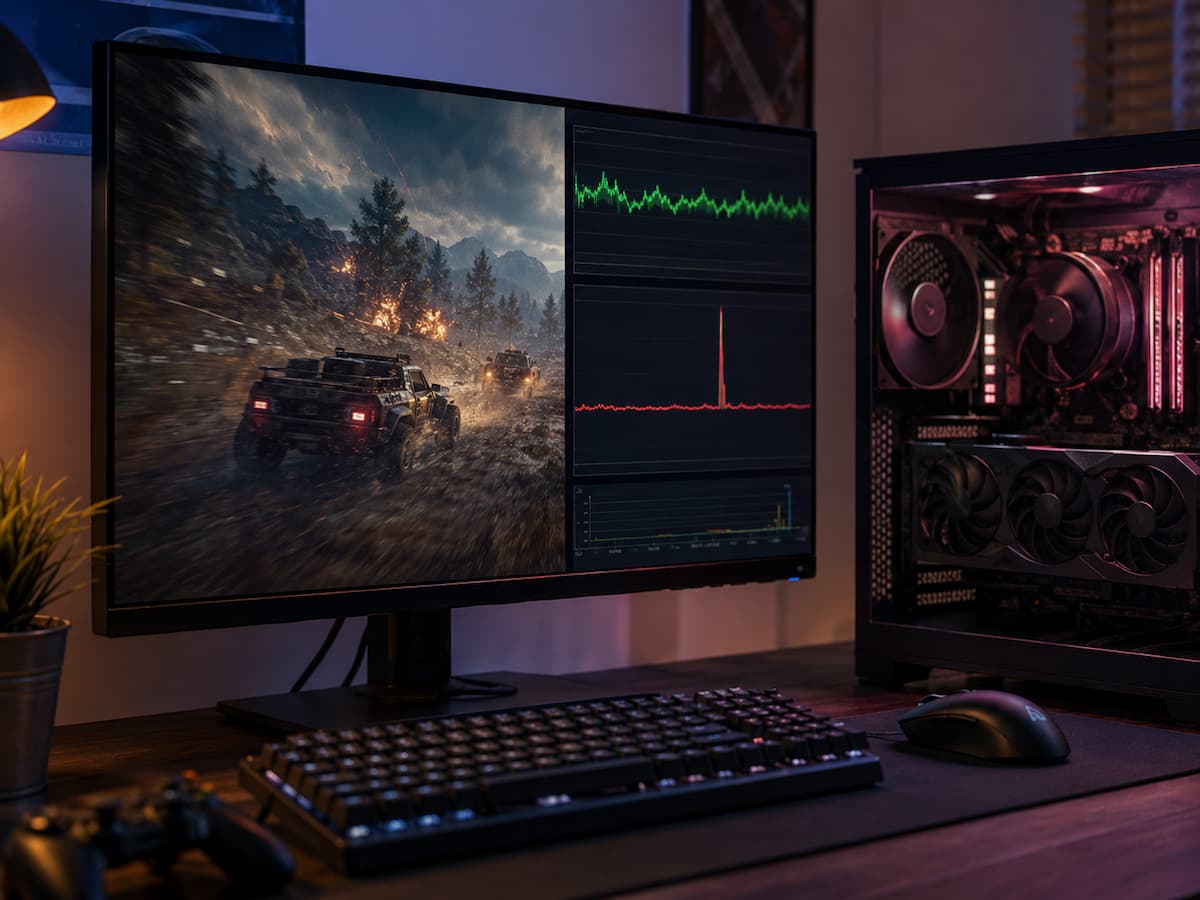
This phenomenon is often linked to shader compilation stutter. This stutter often feels like a hardware performance issue, which can make the cause unclear. Understanding the difference helps prevent unnecessary upgrades, countless graphics-setting changes, and hours wasted fixing a computer that may not be broken.
Why a Powerful Computer Stutters
Modern games go beyond drawing. Shaders instruct the GPU on surface, lighting, shadow, reflection, particle, material, and other visual effects. A shader may need to work differently based on the scene and effects. The game may compile the shader while you play if it hasn’t already. An unpleasant situation ensues. The game may stall while a new shader or graphics pipeline is built, even if your GPU can render the scene at 100 or 150 frames per second. An average FPS measurement can disguise a single extended frame, making it difficult for the frame rate counter to accurately indicate what happened.
Imagine driving through a metropolis with mostly clear roads, but someone suddenly blocks your path for a moment every few minutes. Though your average journey speed is high, those interruptions are apparent. Shader-related stutter works similarly. Most frames render rapidly, while some take a lengthy time. Thus, a gamer can have great benchmark results but awful hitching in a game. In controlled situations, benchmarks assess sustained performance. Shader stutter often occurs when a new effect, object, location, or animation emerges.
Typical Shader Compilation Stutter During Gameplay
Stuttering patterns frequently reveal the first clue. Shader compilation might cause a game to operate well in familiar areas but freeze when you visit a new region or encounter something new. When a new weather effect, weapon, enemy, or visual effect arises, the same thing can happen. A puzzling pattern is when the situation improves gradually. The game may glitch numerous times in the first hour. After visiting the same places or doing the same things, the game may save some data and reduce interruptions. Not every game does this, but it is a strong hint that the issue may not be GPU power.
Hardware limitations are usually consistent. Lowering resolution or GPU-heavy settings can help a graphics card handle a demanding scene. Changes may not affect shader compilation stutter. You can lower texture quality, shadows, resolution, and other settings and still have a glitch when a new effect emerges. That does not mean shaders cause all recurring stutters. Storage activity, memory pressure, background processes, asset streaming, driver issues, and CPU limits can interrupt games. The idea is not to automatically blame shader compilation. The purpose is to identify abnormal hardware bottleneck behavior.
The Problem May Be Hidden by Average FPS
Players sometimes evaluate performance by frames per second. Although useful, it does not provide a complete picture. An average of 90 FPS can feel worse than a steady 60 FPS game if it occasionally produces incredibly sluggish frames. Frame time often helps us better understand this type of difficulty. Frame time measures how long each frame takes to produce, not how many are rendered per second. A smooth 60 FPS game should create frames at regular intervals. If one frame takes longer than the others, the gamer will notice a hitch or freeze.
| Performance Pattern | What the Player May Notice | Possible Explanation |
|---|---|---|
| Low FPS that remains consistently low | The game feels continuously slow | GPU or CPU performance limitation may be involved |
| Smooth gameplay with sudden isolated freezes | Brief hitching during specific events | Shader compilation or another intermittent task may be involved |
| Performance improves after revisiting areas | Early gameplay is rougher than later gameplay | Previously needed shaders may have been compiled and cached |
| Stutter changes little after lowering graphics settings | Visual quality drops but hitching remains | The main problem may not be raw GPU rendering performance |
This distinction matters because average FPS can encourage the wrong troubleshooting approach. A player may see 100 FPS and assume that a short freeze must be caused by a faulty component. In reality, the GPU could spend most of its time waiting for work or rendering frames comfortably, while an occasional background process or compilation task creates the visible interruption.
Frame-time graphs can make such interruptions easier to see. A mostly stable line with occasional large spikes indicates a very different situation than a consistently elevated frame time. The first pattern suggests intermittent events. The second suggests that the system is continuously working near or beyond its comfortable performance limit.
Why Lowering Graphics Settings May Not Fix It
Game Strategies to Prevent Shader Stutter
Game developers use several methods to hide compilation during gameplay. A typical way is shader precompilation. The game prepares shaders before gameplay instead of waiting for effects. This is why some games ask players to wait while shaders are compiled at launch or after a graphics driver update.
Caching is another method. After preparing shaders or rendering data, the system may store information for subsequent reuse. Later games can be smoother because the same work is not always repeated. The game engine, graphics API, OS, GPU driver, and cache management determine the behavior. Precompilation is imperfect. A game may have many shader combinations, and assembling them all can take time. Developers must consider hardware and graphical settings. Some games pre-compile a chunk and prepare others as needed.
The process also explains why same-game results vary. One system may have a seamless first session because most shaders were ready before play. Due to driver, hardware, graphics, or game update differences, one may compile more during play. Having shader stutter does not mean the computer is broken. Allowing a shader compilation or optimization procedure to finish before the main menu is typically better than starting gameplay.
Differentiating Shader Stutter from Hardware Bottleneck
Searching for patterns rather than one performance number is best. Start by noticing the stutter. Does it occur repeatedly in challenging moments or briefly when something new happens? Do you notice the same place runs better after returning? Does lowering graphics settings keep the hitch almost the same? GPU behavior can be compared to stuttering. When utilization remains high during demanding gameplay and performance improves with lower resolution or GPU-heavy settings, a GPU bottleneck is likely present. Stuttering from shaders is unpredictable. The GPU may not be fully saturated before the hitch; thus, the frame-time increase may look like a brief performance dip.
Interpreting CPU use takes attention. 40% or 50% CPU use does not mean the processor has lots of performance because one or more cores may be significantly busy. A brief CPU increase does not necessarily indicate a slow processor. The key question is whether the behavior is sustained or tied to new rendering efforts. Try repeating actions when possible. If firing a weapon glitches the first time but not subsequently, note that pattern. Not 100% proof, but more useful than a momentary FPS reduction and presuming the hardware is bad.
Practical Steps Before Blaming GPU or Buying New Hardware
Check the game’s built-in shader preparation before changing parts. Unless necessary, do not close the game’s compilation progress screen. The operation may need to run again after a big game update or graphics driver change. Keep the graphics driver updated, especially when a new game gets driver support or performance fixes. Driver changes affect shader caches and game-specific optimizations. While not every new driver is better for every system, running an outdated driver might complicate troubleshooting.
Avoid continuously adjusting graphics settings to diagnose the issue. Each modification can affect workload and require the game to create new shaders. Start with a reasonable setting, play, and notice the pattern before adjusting other variables. Otherwise, it’s hard to tell which adjustment influenced performance. Also examine for associated stuttering causes. A game installed on a sluggish or overburdened storage device may have asset streaming issues. Operating systems may shift data between RAM and storage due to memory constraints. Background recording software, browser tabs, downloads, antivirus scans, and overlays can cause game-engine-like interruptions. If only one game stutters but other demanding games run smoothly, evaluate the game’s behavior before replacing the hardware. A new GPU may enhance rendering performance, but it cannot eliminate a badly timed shader compilation event.
When the Issue Is Outside Your Control
Players can only fix so much. If a game generates key shaders during gameplay without a precompilation system, no amount of visual tweaking can fix the design issue. Faster hardware can reduce delays, but it cannot always remove work that happens at the incorrect time. This is why system and game optimization should be separated. Updating drivers, freeing up storage, minimizing background activities, and adopting acceptable graphics settings will boost computer performance. They cannot guarantee flawless frame pacing if the game frequently introduces expensive work while playing.
Game patches can be more important than hardware upgrades. Developers can simplify shader handling, decrease compilation timing, reduce pipeline formation, or correct driver interactions. Looking at official patch notes and known issues can be more helpful than altering your PC configuration after a game update. Similar principles apply when comparing player experiences. If the game operates differently on their system or they’ve populated the cache, a slower graphics card may enable smoother gameplay. Hardware characteristics can explain some screen stutters, but not all.
Pattern, Not Panic, Is the Best Clue
A momentary freeze during a game might make a perfectly fine machine look bad. That makes stuttering during shader compilation easy to misdiagnose. A small stoppage in how the game prepares rendering tasks may cause the performance failure, not a CPU or GPU shortage.
Looking past average FPS is the best habit. Watch for stutters around new effects or locales and see if repeated gameplay smooths out. If lowering graphics settings improves frame rates but leaves isolated hitches, analyze the frame-time pattern rather than reducing visual quality.
Shaders don’t cause all stutters; some systems need more processing or graphics. Still, replacing expensive technology before finding the pattern is wasteful. A patch, shader compilation, driver update, or realizing the bottleneck is not where it seemed to be can improve gaming.
FAQs
1. Can high-end PCs suffer from stuttering during shader compilation?
Yes. Stuttering caused by shaders does not only occur on low-spec PCs. Powerful GPUs can render completed frames extremely fast, but the game still pauses to prepare for new rendering work. Faster hardware can reduce latency somewhat but does not automatically prevent incorrect compilation timing.
2. Can increasing memory solve stuttering caused by shader compilation?
If your computer’s memory is truly insufficient, increasing the memory can help, but it is not a miracle cure. If the stuttering is caused by compiling shaders or creating graphics pipelines during runtime, increasing the memory may have little effect.
3. Why does the game stutter worse during the first hour?
Some games prepare or cache rendering data when you encounter new areas, effects, and objects. Therefore, the initial phase of the game may involve more compilation activity. If you notice that the game runs smoother after replaying the same content, caching could be one of the causes.
4. Should I clear the shader cache if the game stutters?
Clearing the cache can sometimes help if it is corrupted or when troubleshooting specific issues, but it can also cause the system to rebuild the prepared data. Therefore, it should not be used as a standard solution for all stuttering problems.
5. Will changing the graphics card driver cause shader stuttering to return?
Possibly. Depending on the game, the driver, and the graphics stack, it may be necessary to rebuild previously prepared shader-related data after a major driver change. Temporary stuttering after such changes does not necessarily mean that the new driver has reduced hardware performance.