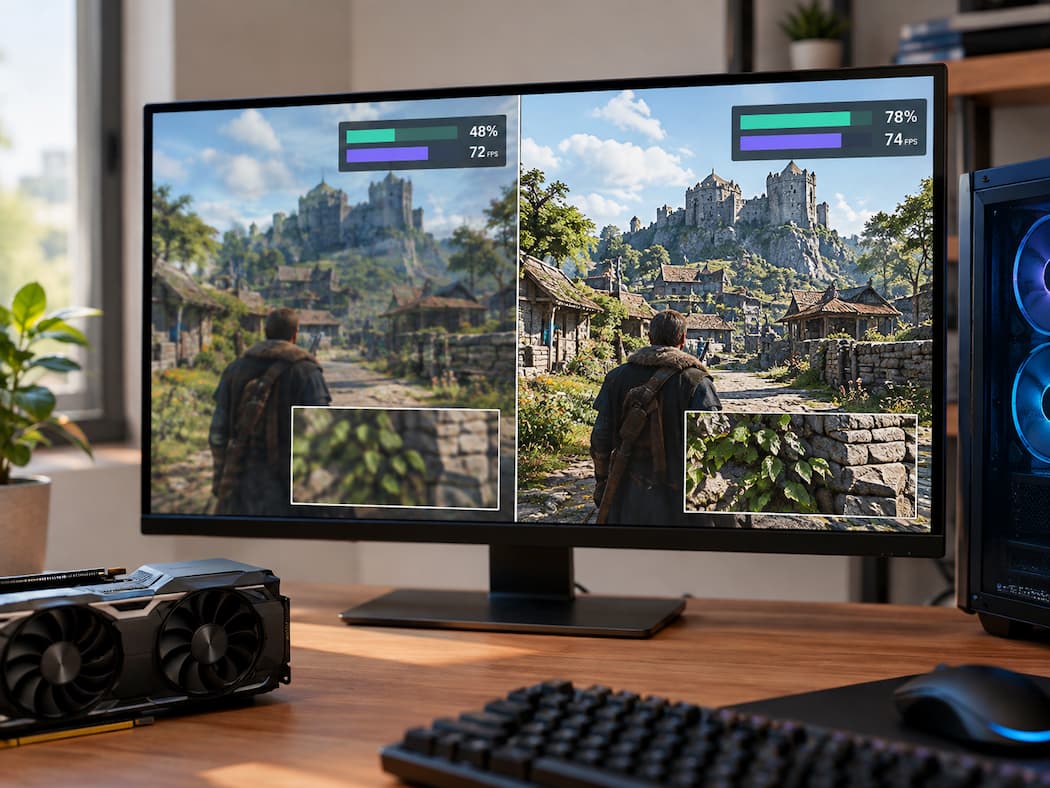
Lower Graphics Settings Barely Change Performance in Some Games

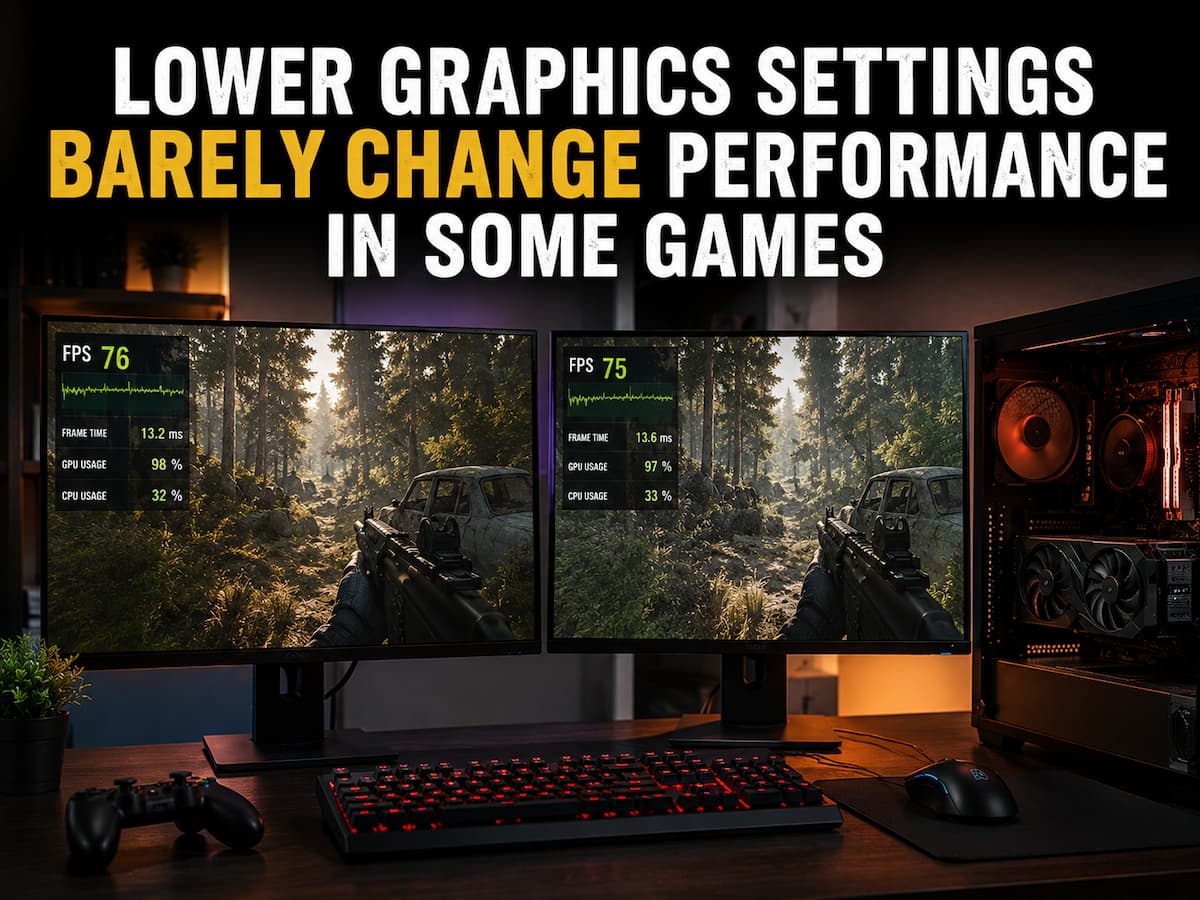
Most players start by lowering graphics settings when a game is operating poorly. Reduce the visual workload, giving the graphics card less to render, and FPS should rise. Occasionally, that happens. After decreasing resolution, shadows, reflections, and other demanding elements, a 45 FPS Ultra game may reach 80 FPS. Sometimes the difference is quite tiny … Read more

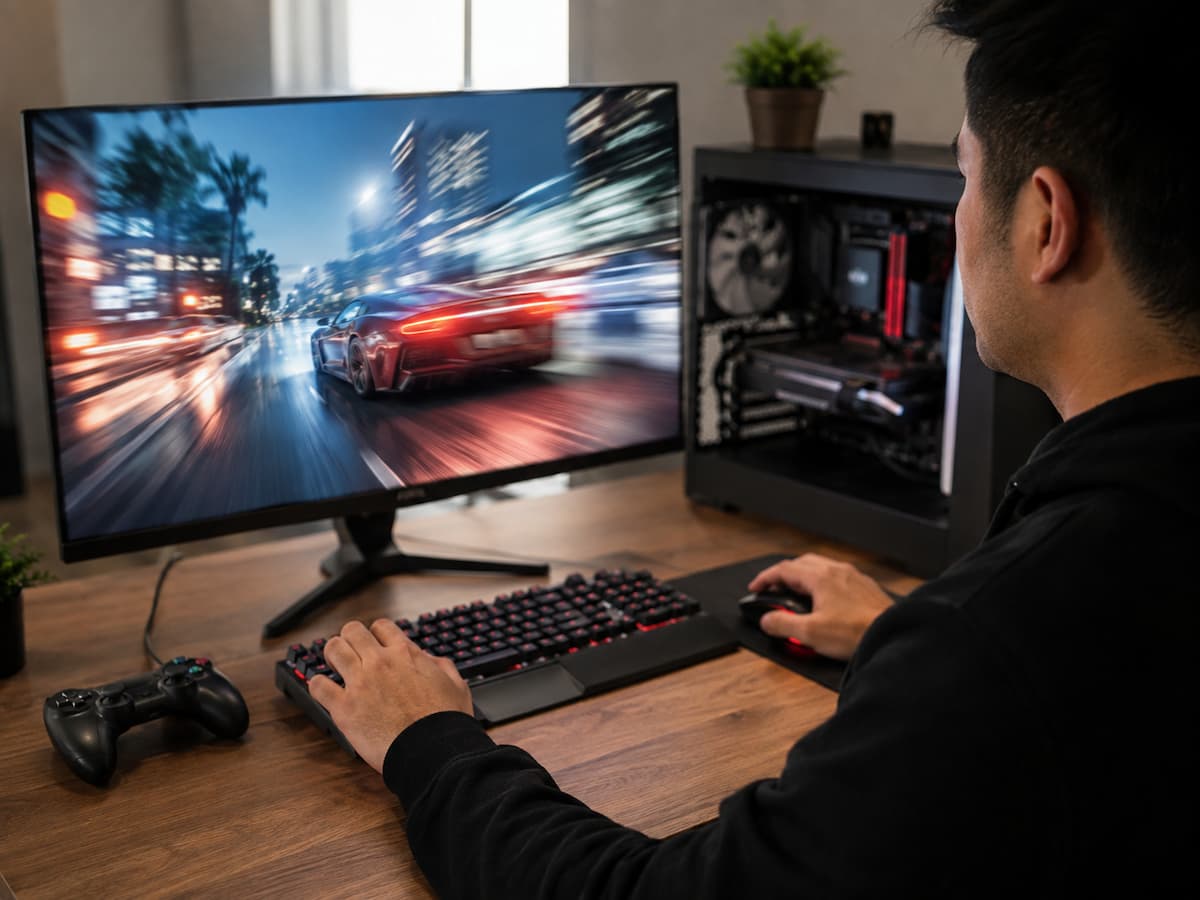
Sudden Stutters During Fast Movement or New Area Loading: Causes and Fixes

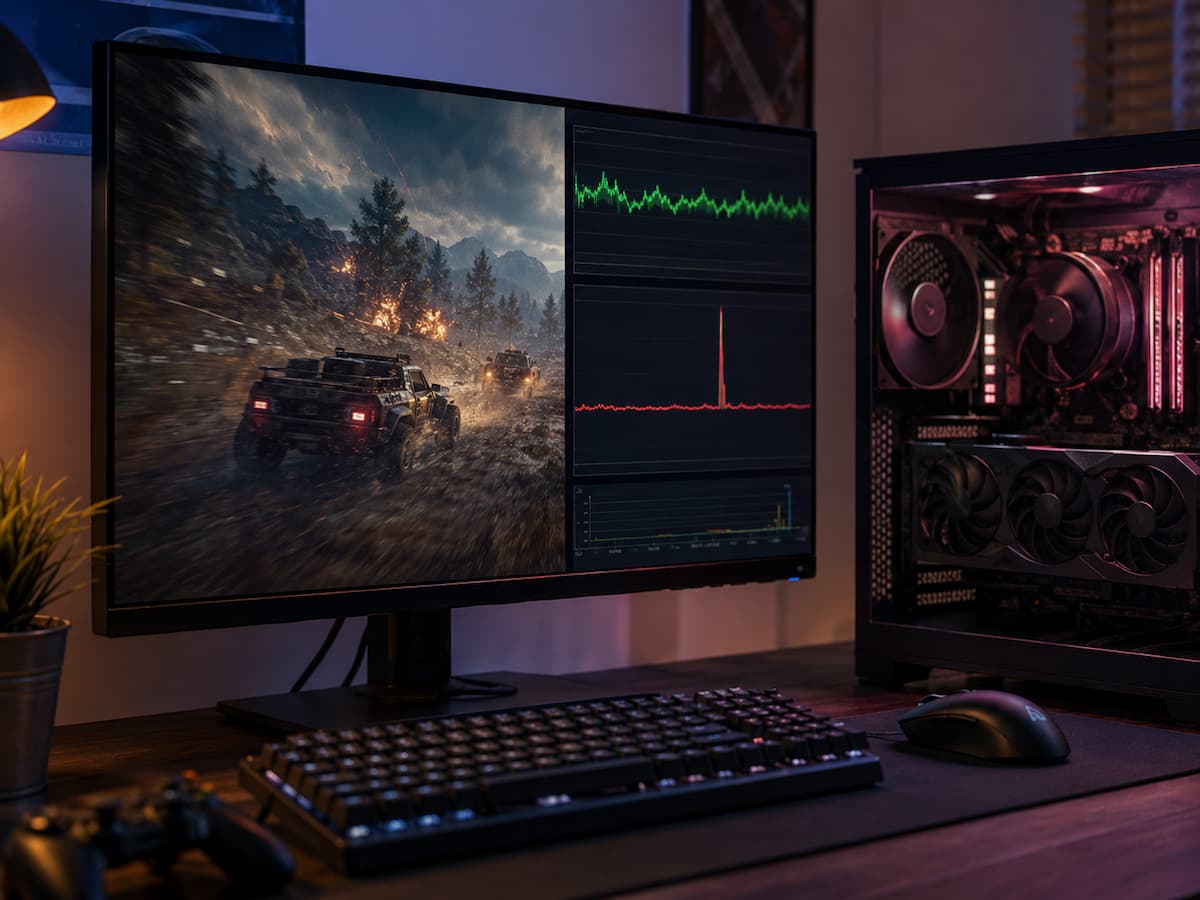
The game can run perfectly until you move quickly through the game world. The framerate can be high, the combat fluid, and your hardware seems powerful enough. But when you run into a new street, drive fast across the map, suddenly turn the camera, or enter an unfamiliar area, the game may exhibit brief stutters … Read more

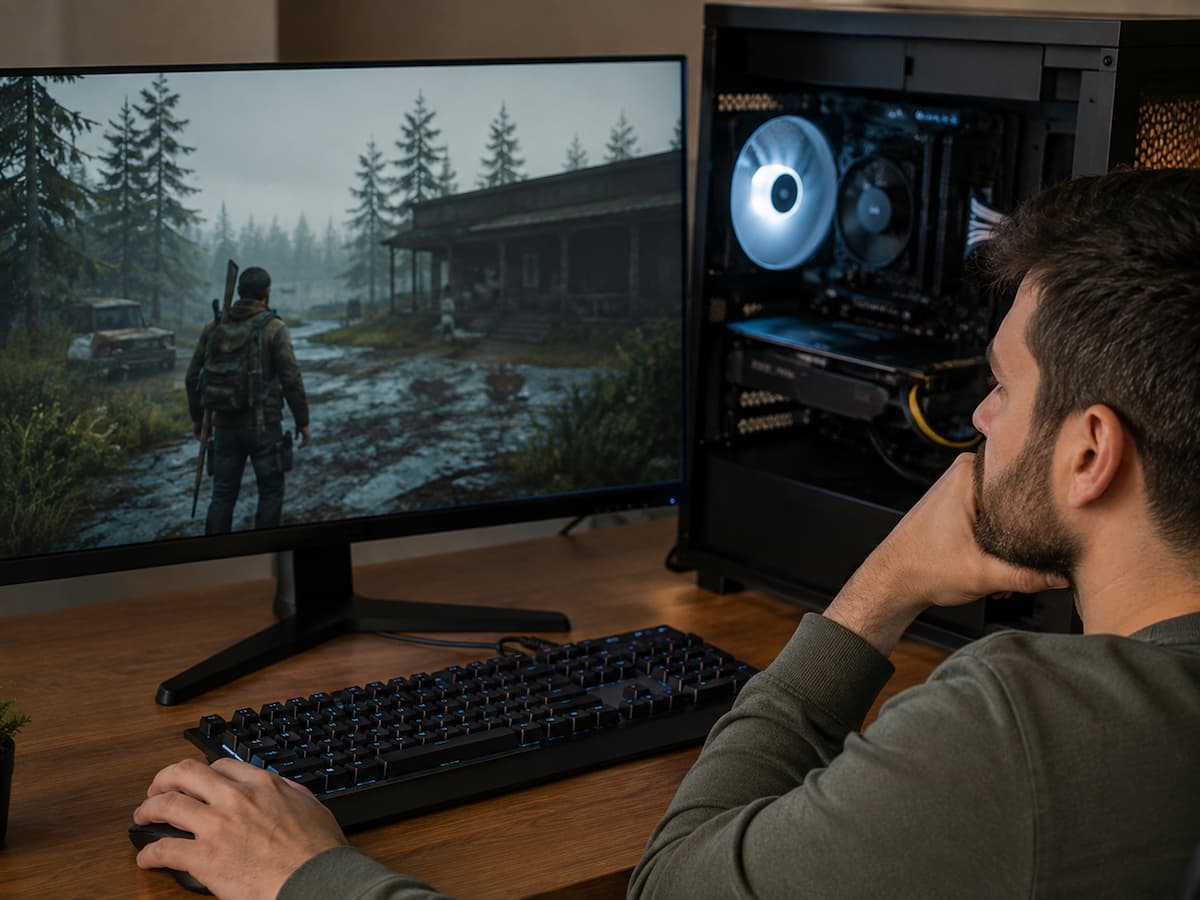
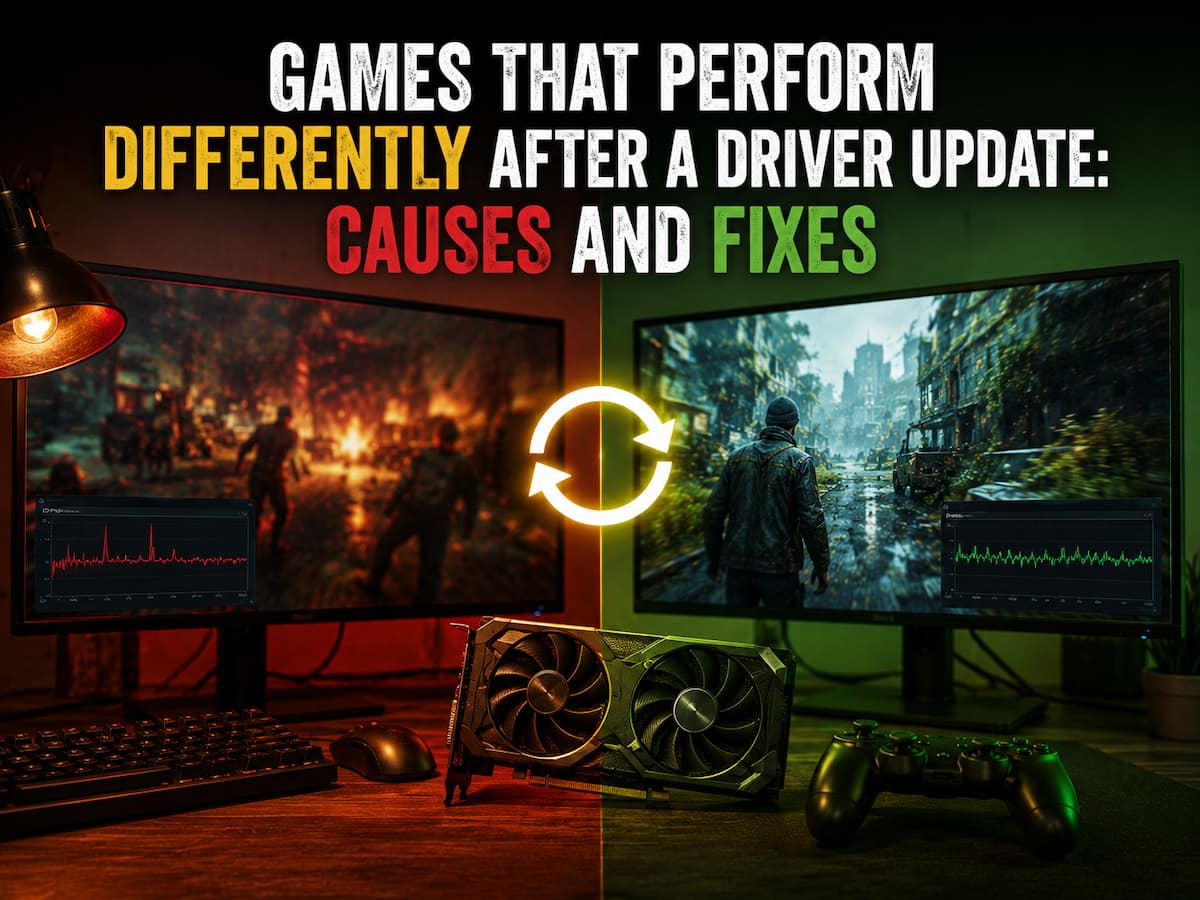
Games That Perform Differently After a Driver Update: Causes and Fixes

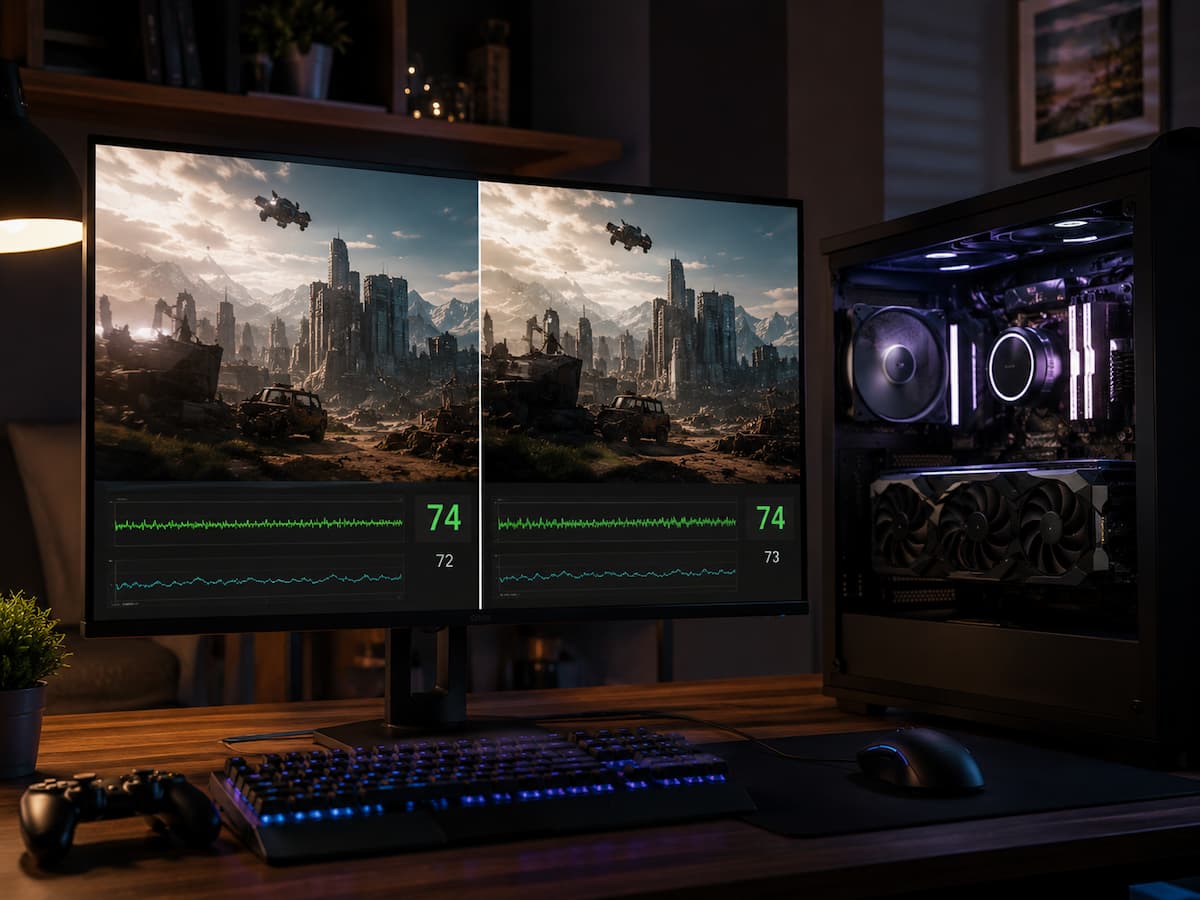
Better compatibility, bug fixes, security enhancements, or support for new games are common reasons to update graphics card drivers. A game that worked fine yesterday may feel different after an update. You might experience frame drops, new stuttering, changes in graphics settings, longer shader preparation times, strange frame rate fluctuations, or performance improvements. Even if … Read more

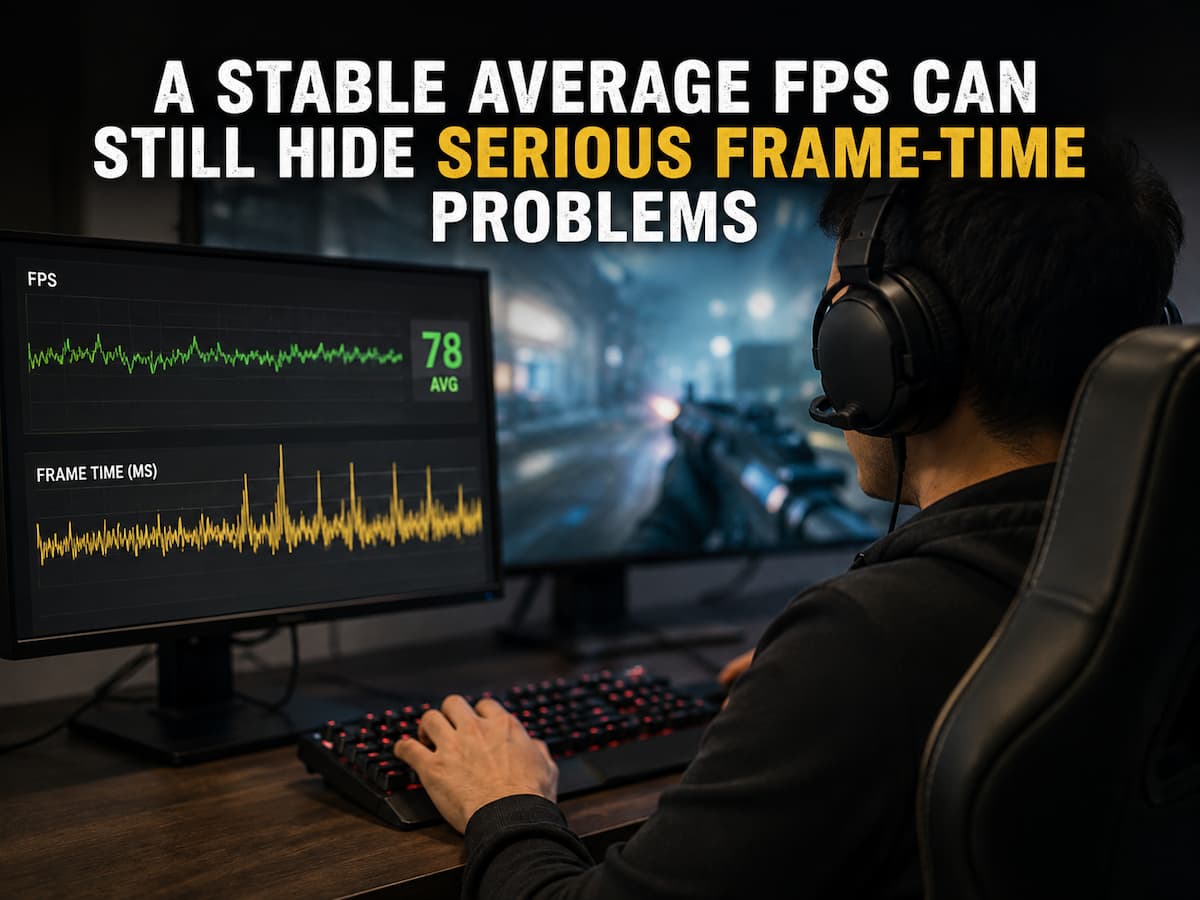
Background CPU Activity That Matters More Than Its Percentage Suggests

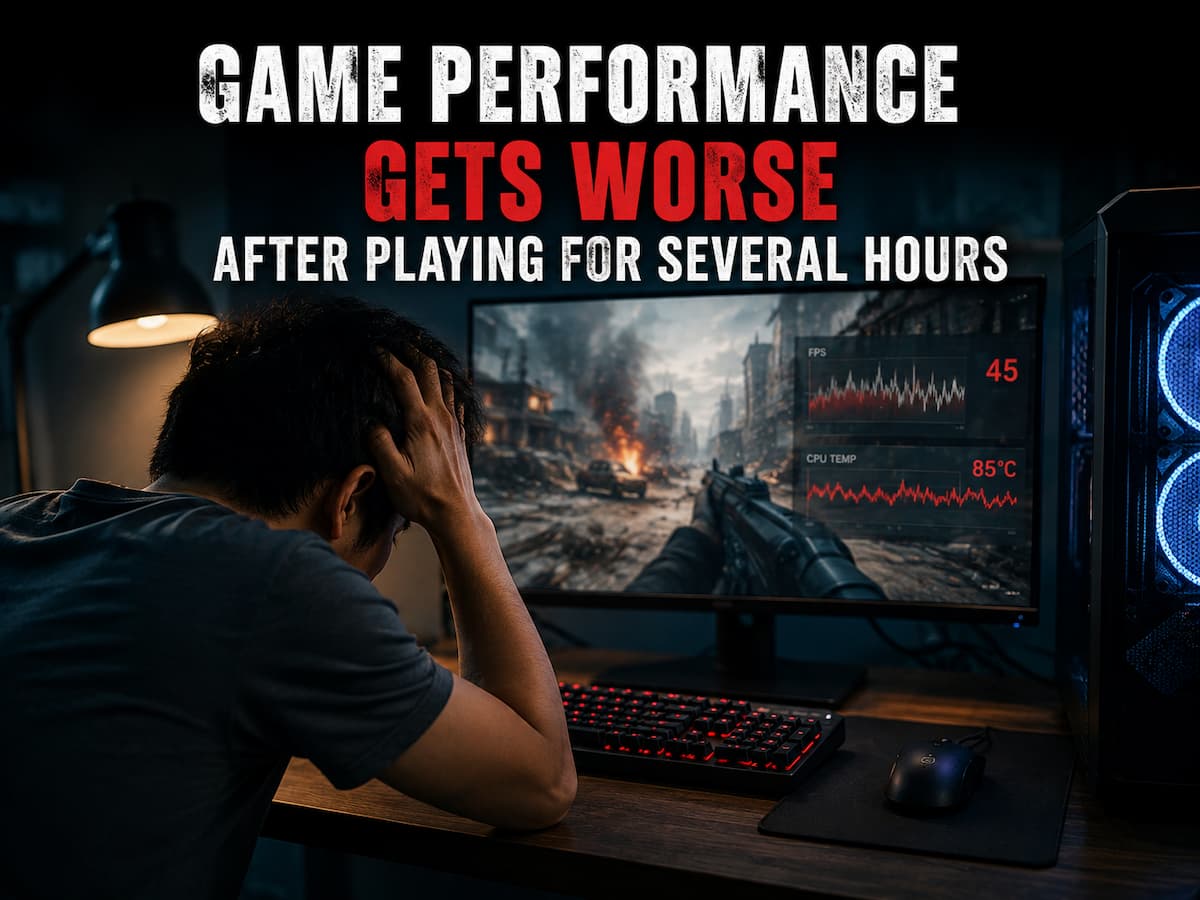
A CPU usage of 25% or 35% in Task Manager might give you the impression that your processor is still performing well. Although this percentage seems harmless, games can exhibit stuttering, crashes, or abnormal frame rates. The CPU usage displayed by Windows is only a part of the performance issues on modern gaming PCs, which … Read more