USB Connection Problems That Look Like Controller Failures

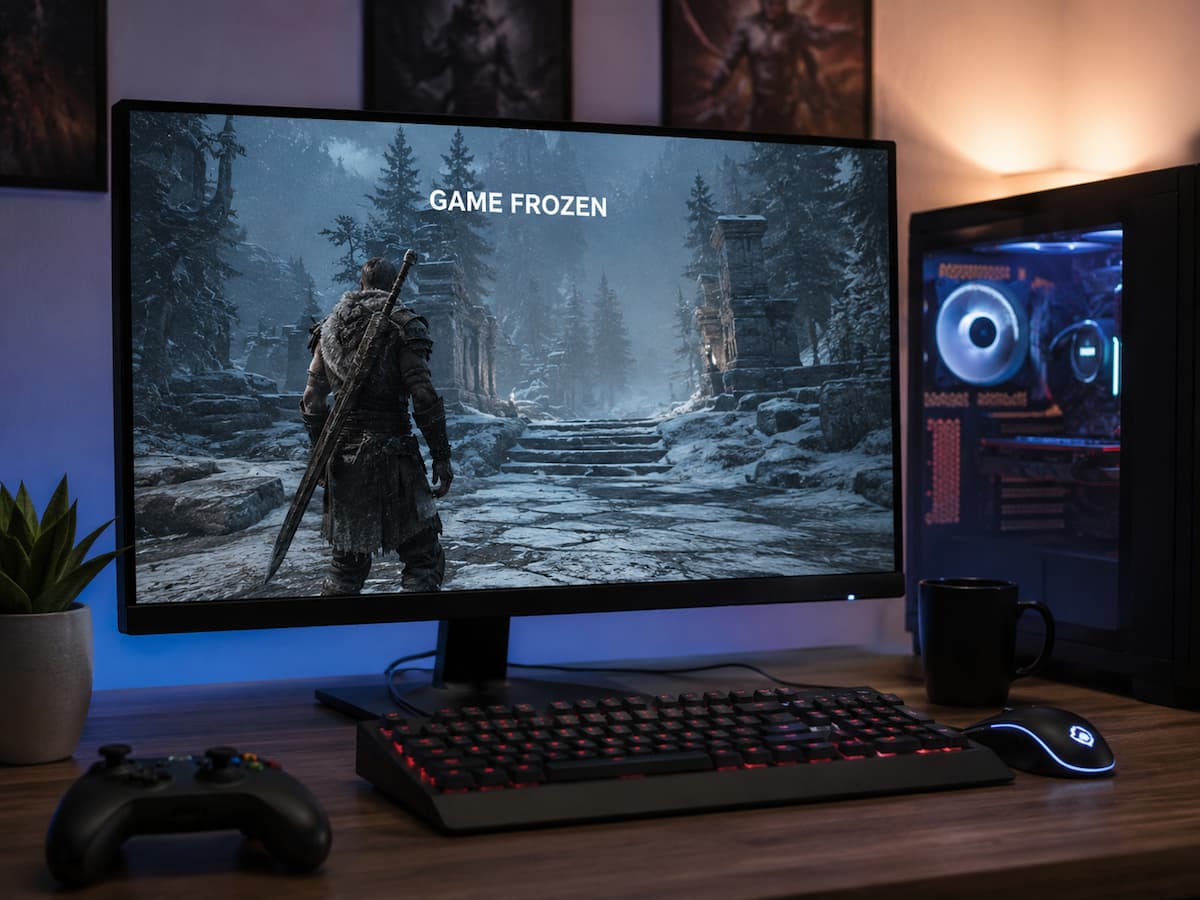
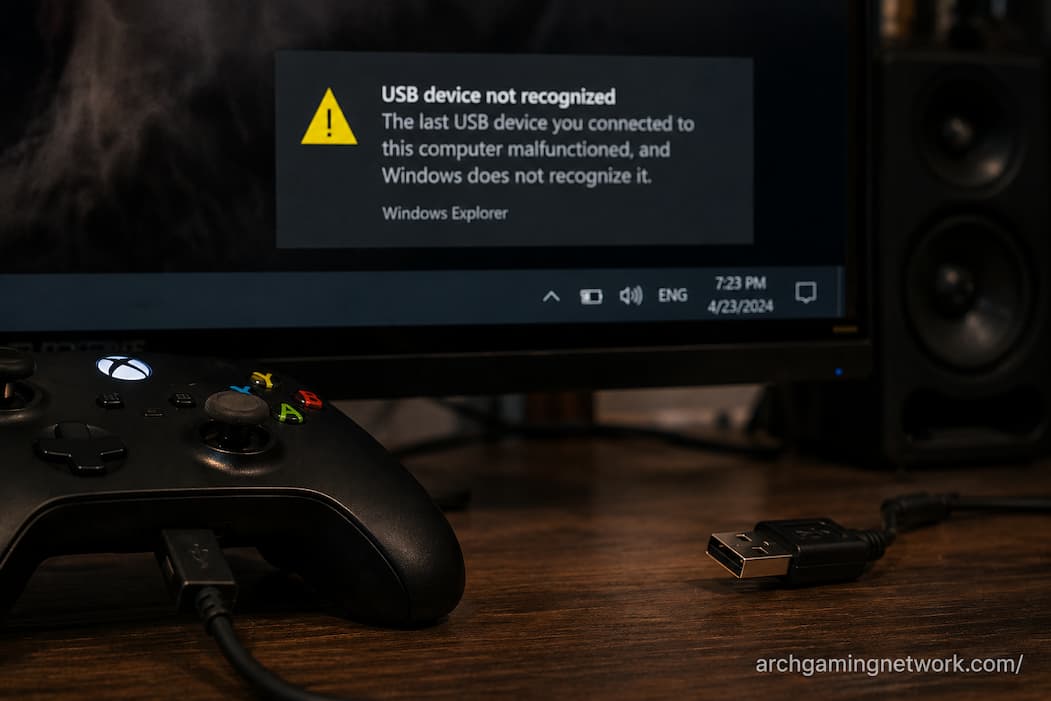
A gaming controller can suddenly stop responding, disconnect during a match, or behave as though one of its buttons has failed. The natural reaction is to suspect the controller itself, especially when the problem appears repeatedly. But USB problems can produce remarkably similar symptoms. A controller may be perfectly healthy while the connection between it … Read more

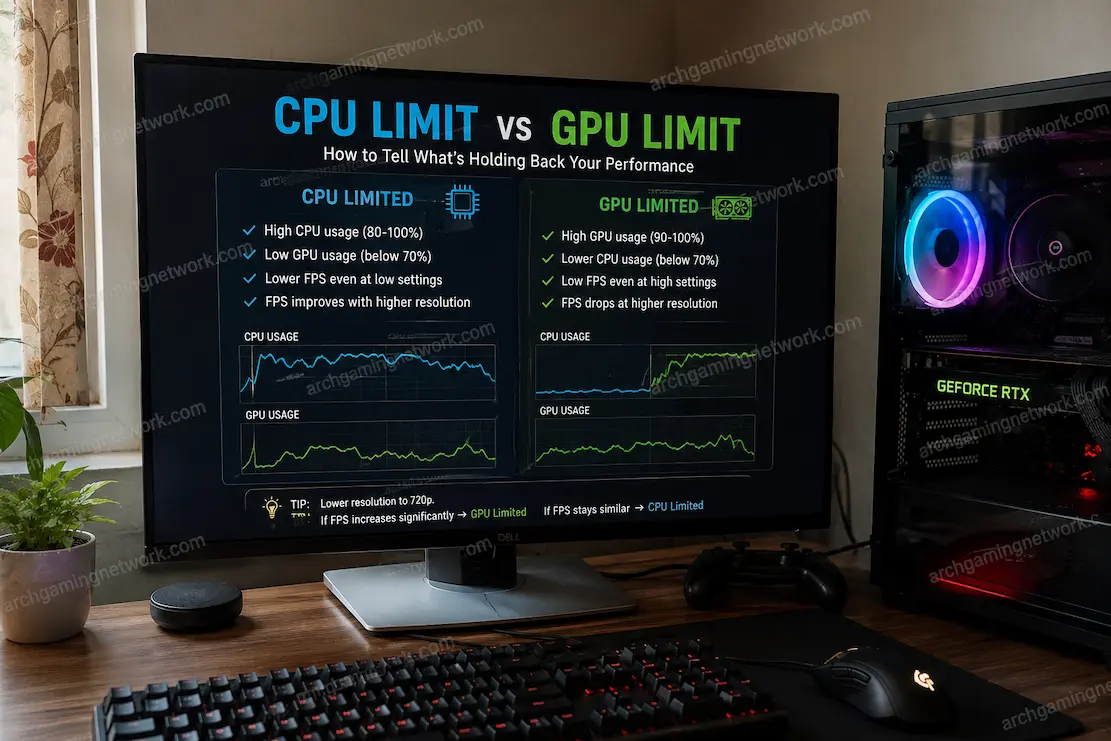
A Practical Way to Separate CPU Limits From GPU Limits

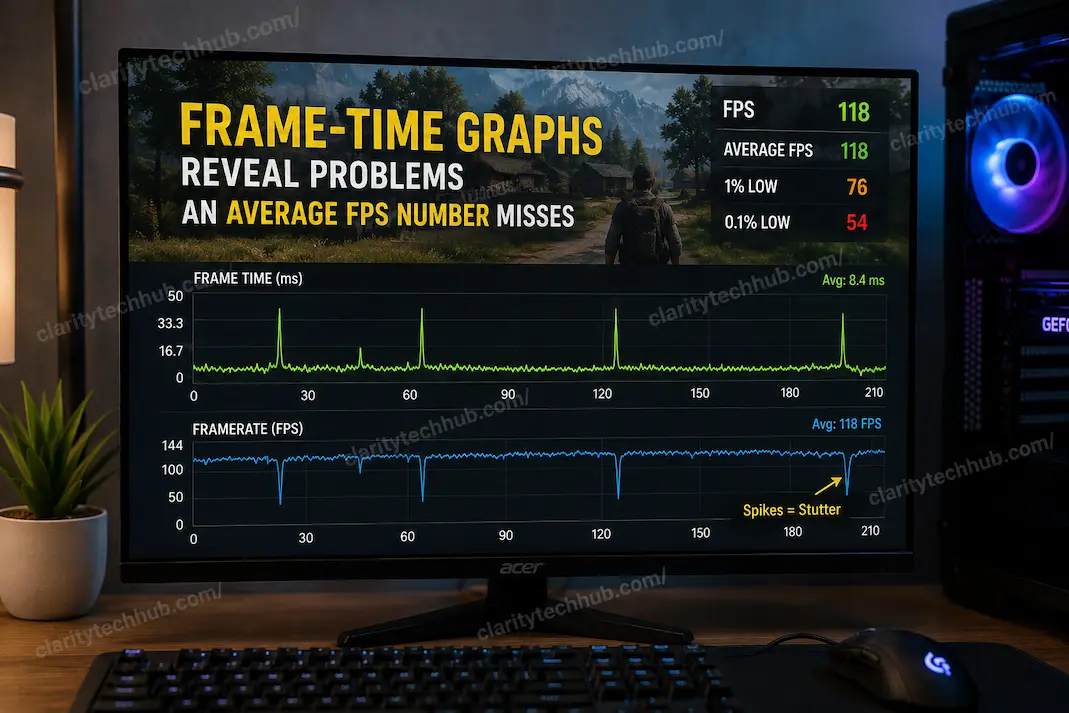
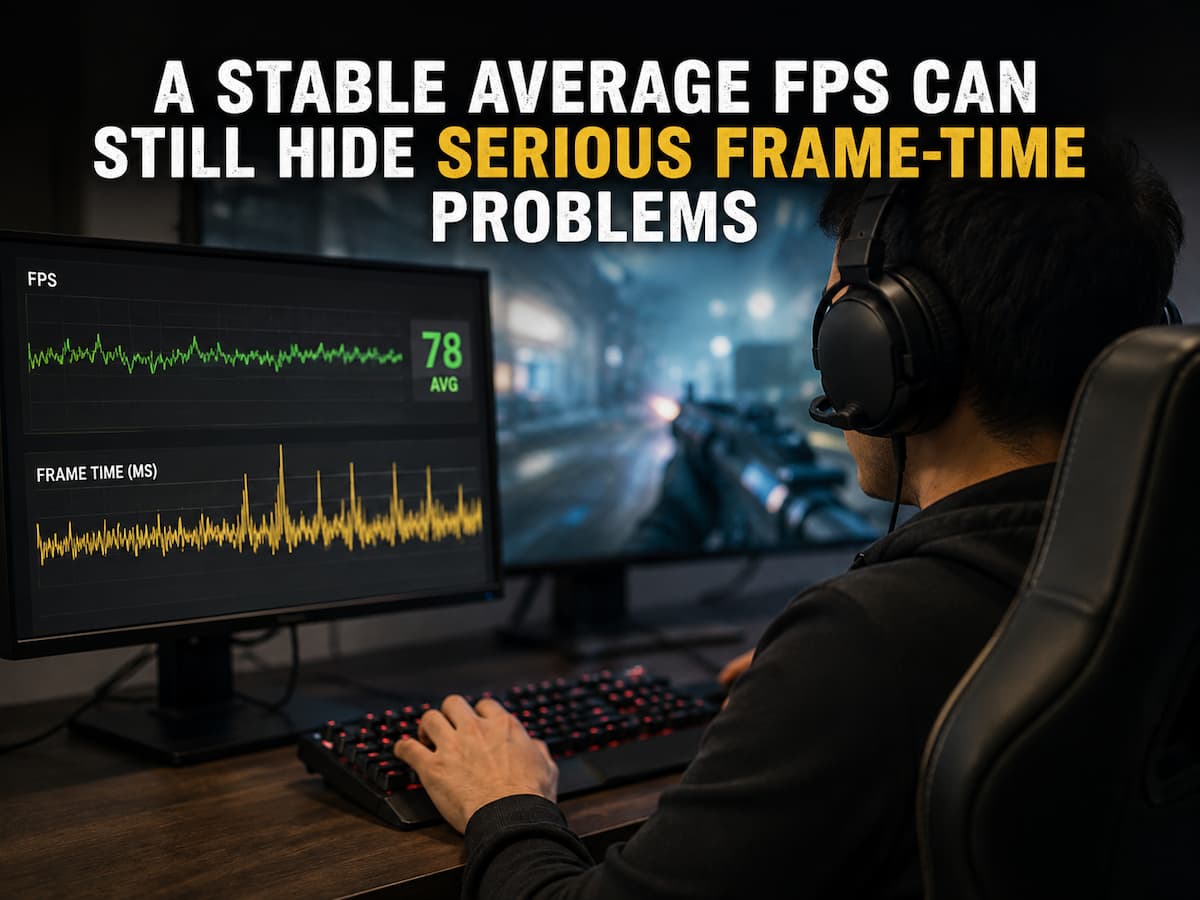
When a game starts running poorly, it is tempting to look at the GPU usage percentage, see that it is below 100%, and immediately decide that the processor must be the problem. The opposite mistake happens just as often: the graphics card reaches very high utilization, so the player assumes every performance issue is automatically … Read more

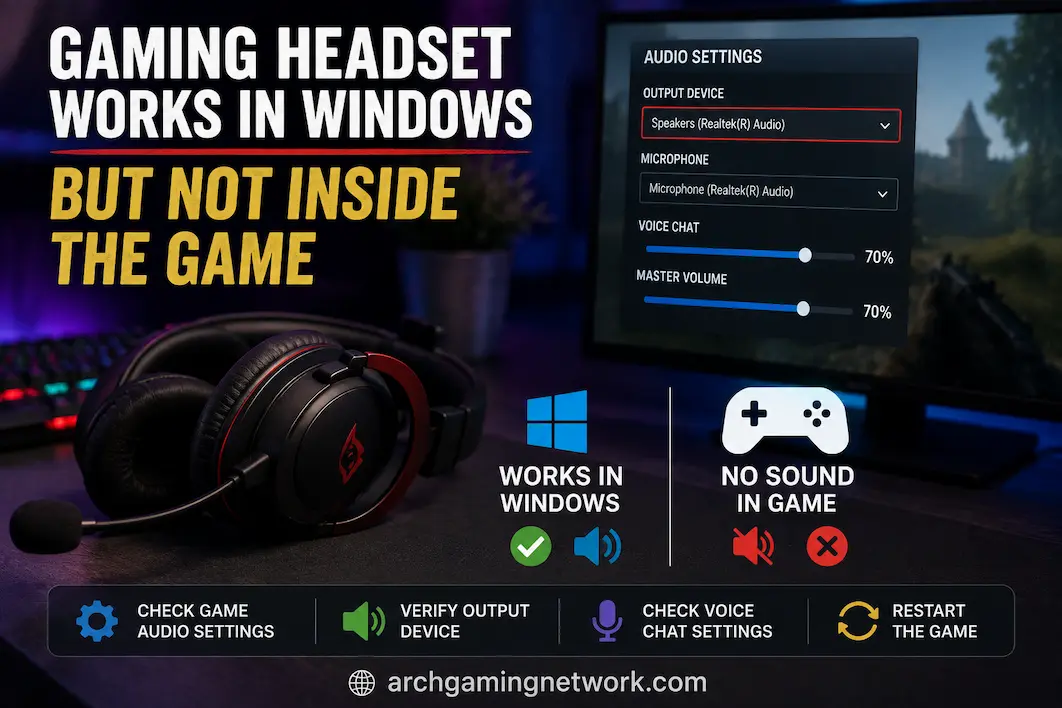
Windows and the Game Disagree About the Selected Audio Device

A game can sometimes use a different audio device from the one selected in Windows, even when everything appears correctly configured on the desktop. You may have headphones connected and working normally in music, videos, or system sounds, only to find that a game continues playing through the monitor speakers. In another situation, Windows may … Read more

Checking VRAM Usage Before Blaming a Game’s Graphics Settings

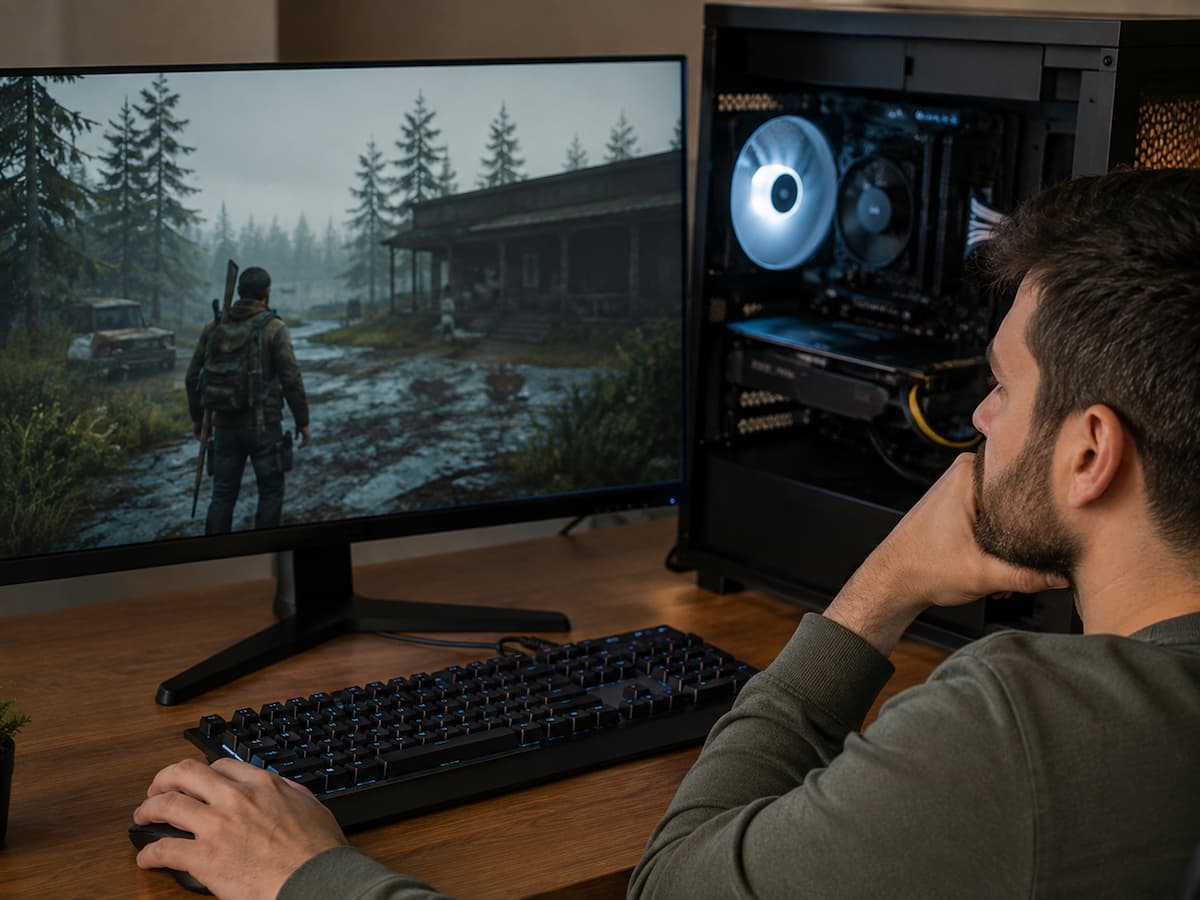
After changing graphics presets, games may exhibit stuttering, blurry textures, slow loading times for graphics elements, or sudden performance drops. People often immediately lower all settings, assuming that a particular game setting is too demanding. Sometimes this is true, but there is another possibility worth considering: video memory (VRAM). A graphics card may deliver sufficient … Read more