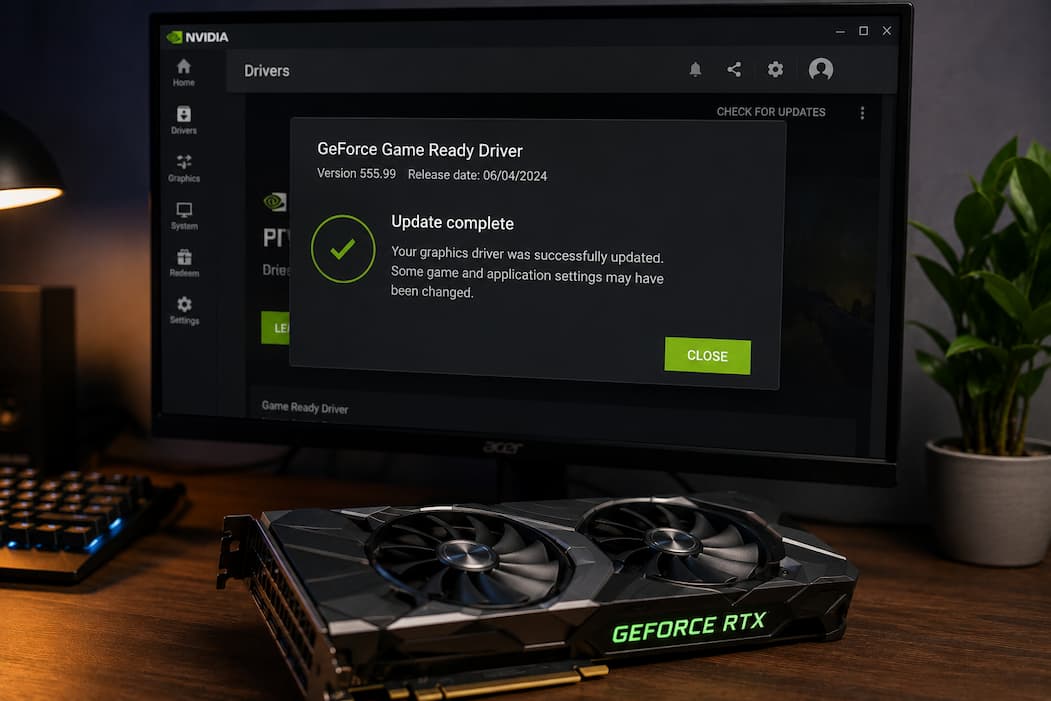
GPU Driver Updates Can Change Existing Game Configurations

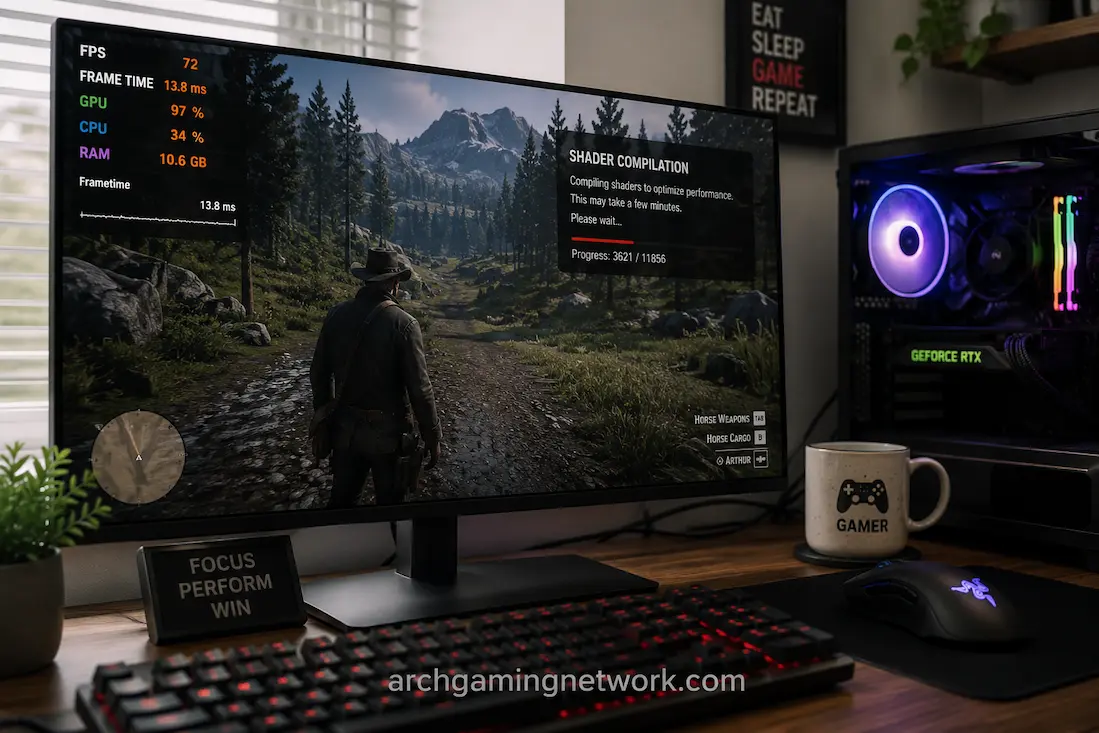
In most cases, updating your graphics card driver is considered routine maintenance. After installing a new version—even if a system restart is required—you would generally expect game graphics and performance to remain unchanged. However, this is not always the case. Sometimes games launch with different graphics settings, your preferred resolution disappears, shader compilation runs again, … Read more

Sudden Stutters During Fast Movement or New Area Loading: Causes and Fixes

The game can run perfectly until you move quickly through the game world. The framerate can be high, the combat fluid, and your hardware seems powerful enough. But when you run into a new street, drive fast across the map, suddenly turn the camera, or enter an unfamiliar area, the game may exhibit brief stutters … Read more

Black Screens That Appear After Changing Display Settings

Changing a display setting normally takes only a few seconds. You select a different resolution, increase the refresh rate, enable HDR, switch from borderless windowed mode to fullscreen, or change another display option, and the screen should immediately show the new configuration. Occasionally, however, the picture disappears completely. The monitor may report that it has … Read more

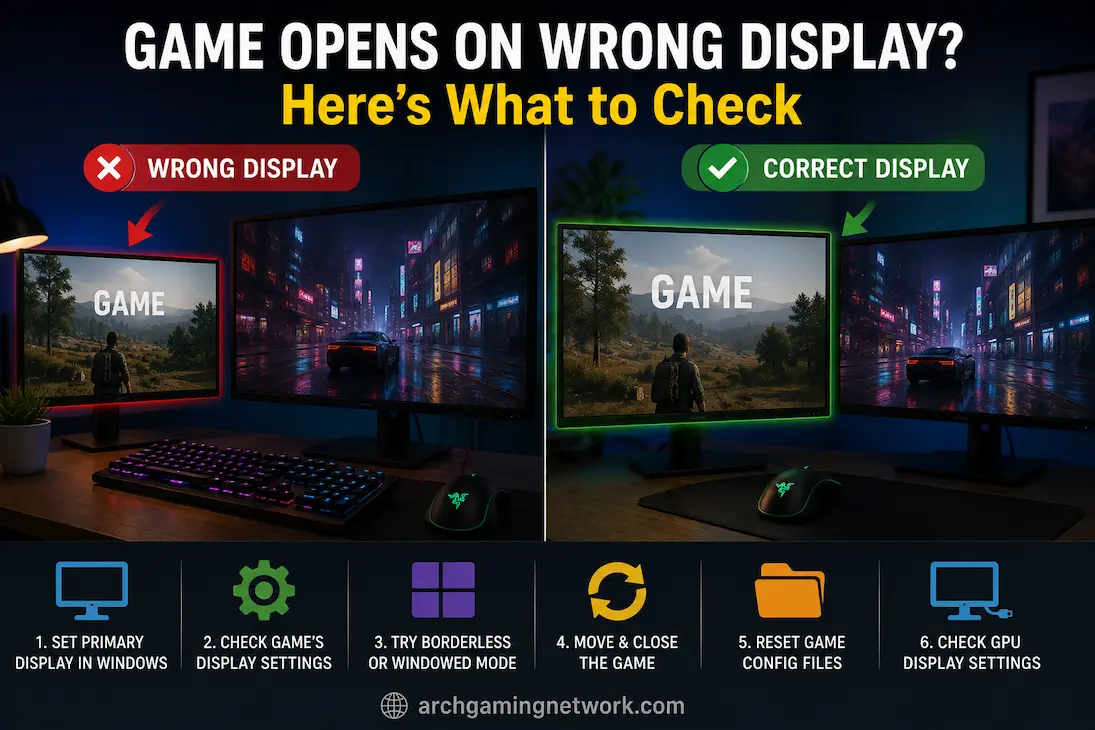
The Game Opens on the Wrong Display After Connecting a Second Monitor

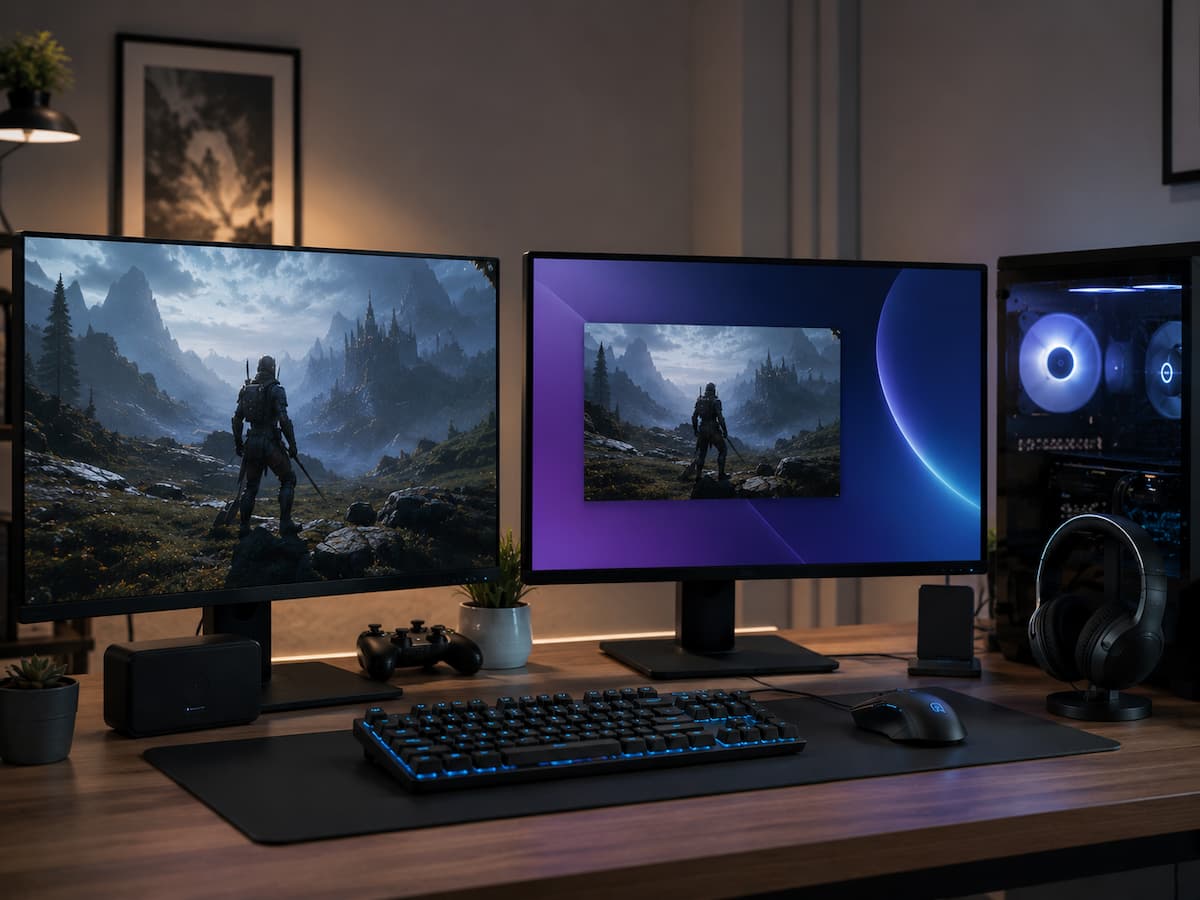
Adding a second monitor can make a gaming setup much more useful, but it can also create an annoying problem that wasn’t there before. A game that previously opened on the correct screen may suddenly appear on the secondary monitor, launch partially off-screen, or switch back to the wrong display every time it starts. This … Read more

Games That Perform Differently After a Driver Update: Causes and Fixes

Better compatibility, bug fixes, security enhancements, or support for new games are common reasons to update graphics card drivers. A game that worked fine yesterday may feel different after an update. You might experience frame drops, new stuttering, changes in graphics settings, longer shader preparation times, strange frame rate fluctuations, or performance improvements. Even if … Read more

Graphics Settings Keep Resetting After the Game Restarts

PC game configuration should be easy, especially changing graphics settings. Choose a resolution, texture quality, display mode, performance choices, and play. It’s aggravating when the game resets on the following launch after everything seems fine. Resolution, fullscreen, quality settings, or a graphics preset may be restored. Repeating modifications is not typical, and reinstalling the game … Read more

Comparing Game Performance Before and After a Driver Change

Updates to graphics card drivers can accelerate, slow down, optimize, or alter game performance without warning. Such variability makes diagnosing driver performance issues extremely difficult. If a game ran well last week but no longer works properly after an update, the cause is likely a driver problem. However, memory instability or other factors can also … Read more

A Controller Connects Successfully but Stops Responding In-Game

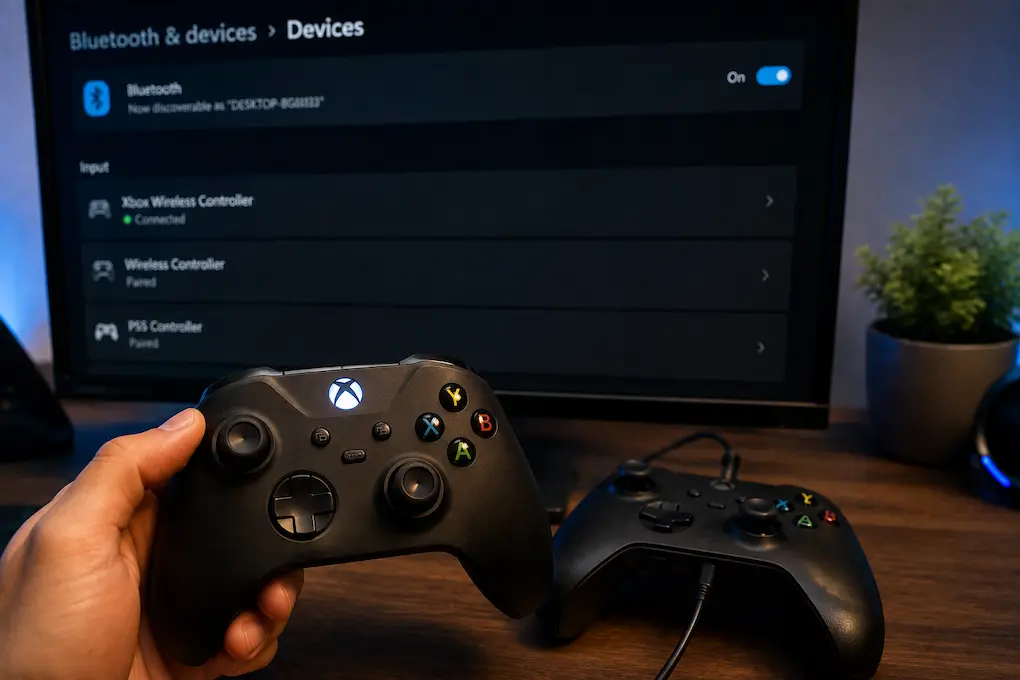
A controller that connects successfully but stops responding once a game starts can be one of the more confusing input problems on a PC. Windows may show the device as connected, the controller may light up normally, and another application may even recognize button presses. Then the game launches and suddenly none of the inputs … Read more

Background CPU Activity That Matters More Than Its Percentage Suggests

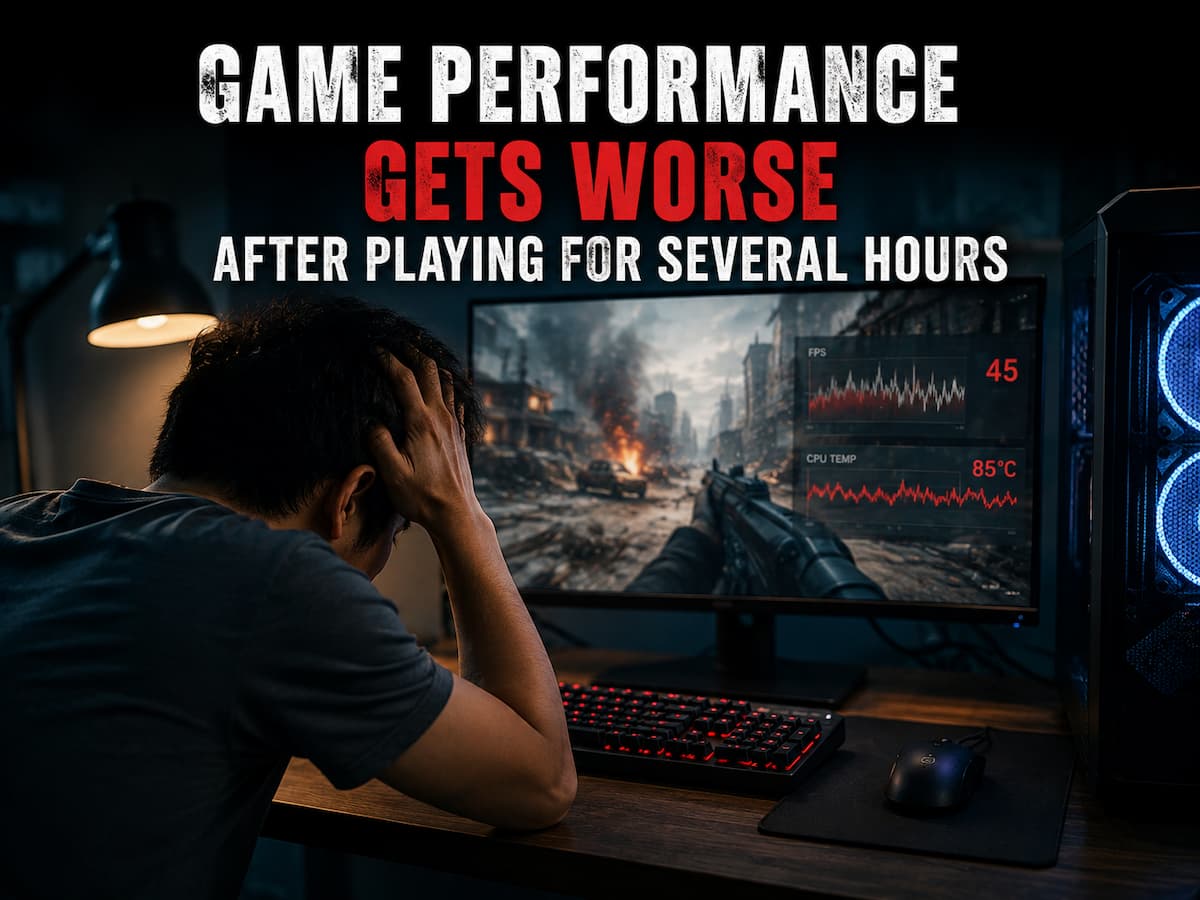
A CPU usage of 25% or 35% in Task Manager might give you the impression that your processor is still performing well. Although this percentage seems harmless, games can exhibit stuttering, crashes, or abnormal frame rates. The CPU usage displayed by Windows is only a part of the performance issues on modern gaming PCs, which … Read more