Lower Graphics Settings Barely Change Performance in Some Games

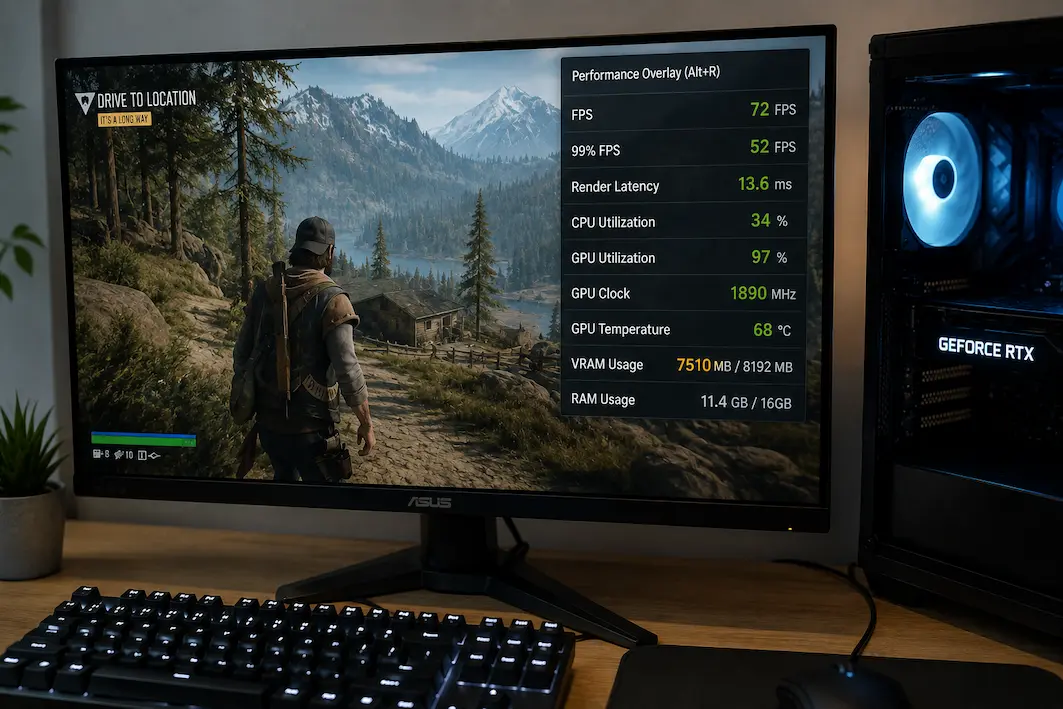
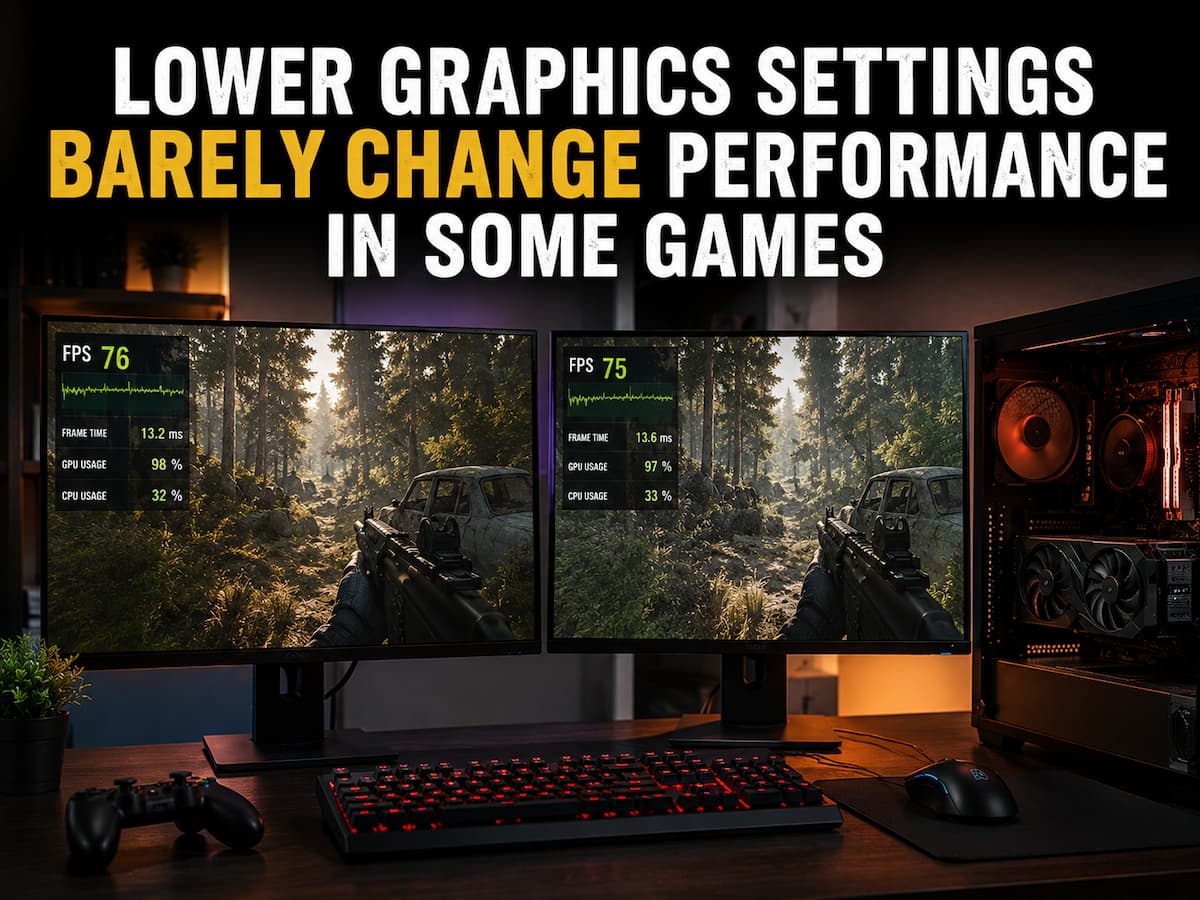
Most players start by lowering graphics settings when a game is operating poorly. Reduce the visual workload, giving the graphics card less to render, and FPS should rise. Occasionally, that happens. After decreasing resolution, shadows, reflections, and other demanding elements, a 45 FPS Ultra game may reach 80 FPS. Sometimes the difference is quite tiny … Read more

Game Audio Stops Working After Switching Devices

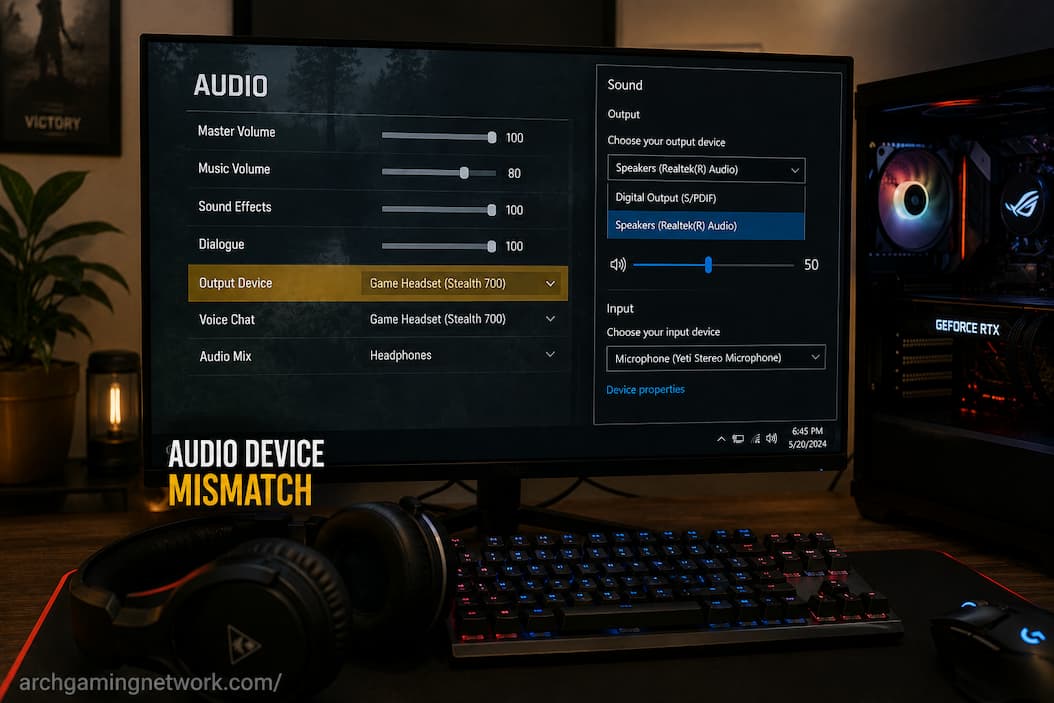
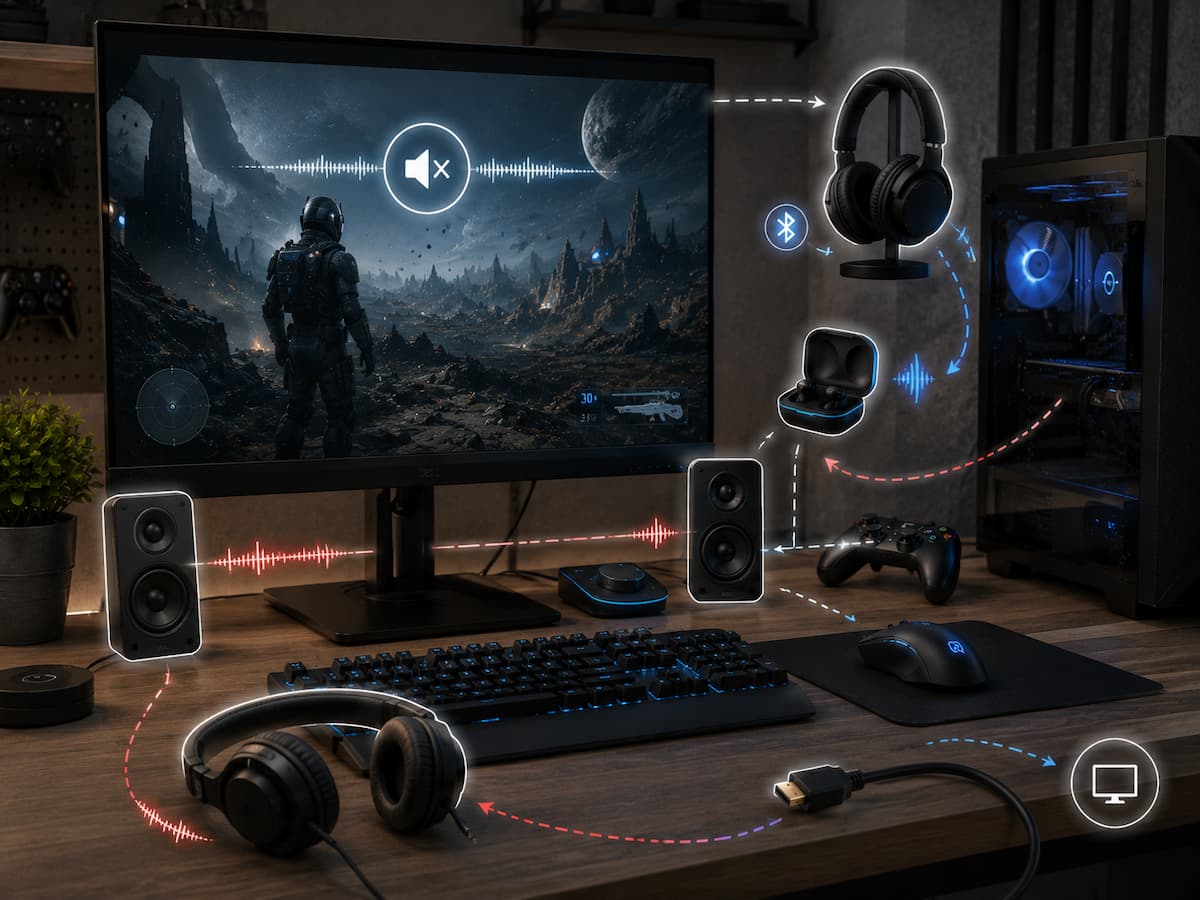
Your game goes silent when you switch from headphones to speakers, monitors, wired headsets to Bluetooth, or controllers. Windows may play notification sounds, videos may have audio, and your microphone may work, but the game produces nothing. Because the problem emerges shortly after replacing hardware, the new device may appear broken. However, hardware often works … Read more

Game Downloads Slow Down Even With a Fast Internet Connection

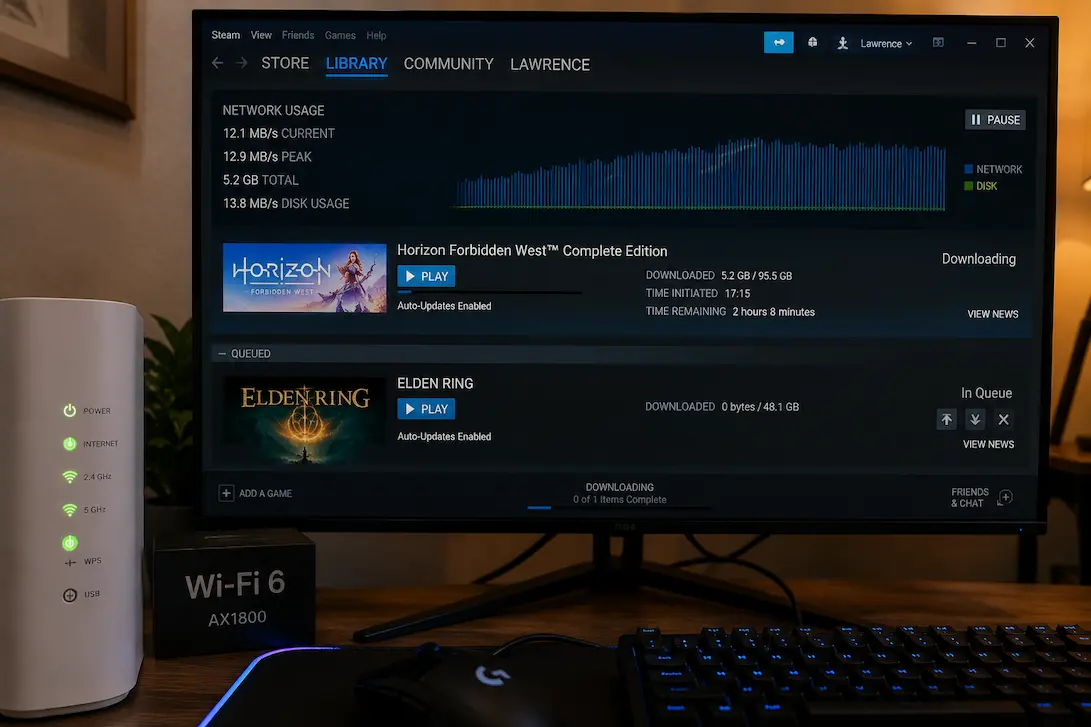
A game download can be strangely slow even when an internet connection is otherwise performing well. A speed test may report hundreds of megabits per second, websites may load instantly, and streaming services may work without buffering, yet a game launcher can sit at a fraction of the expected download speed. Sometimes the download starts … Read more

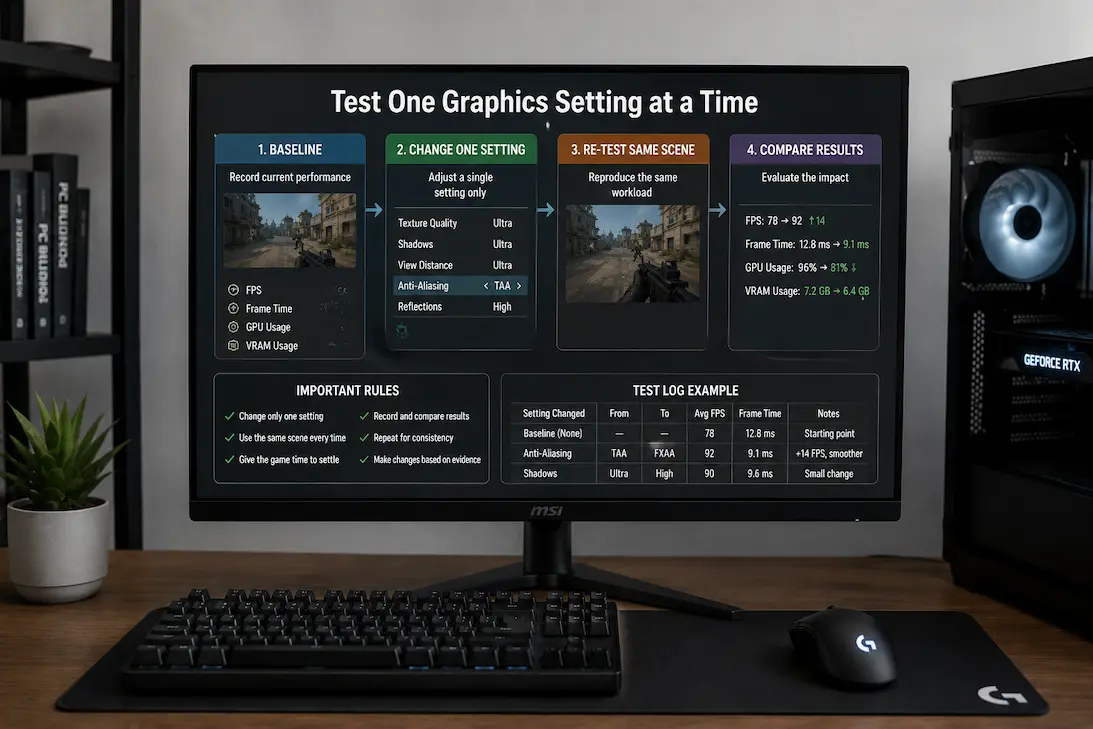
A Reliable Method for Testing One Graphics Setting at a Time

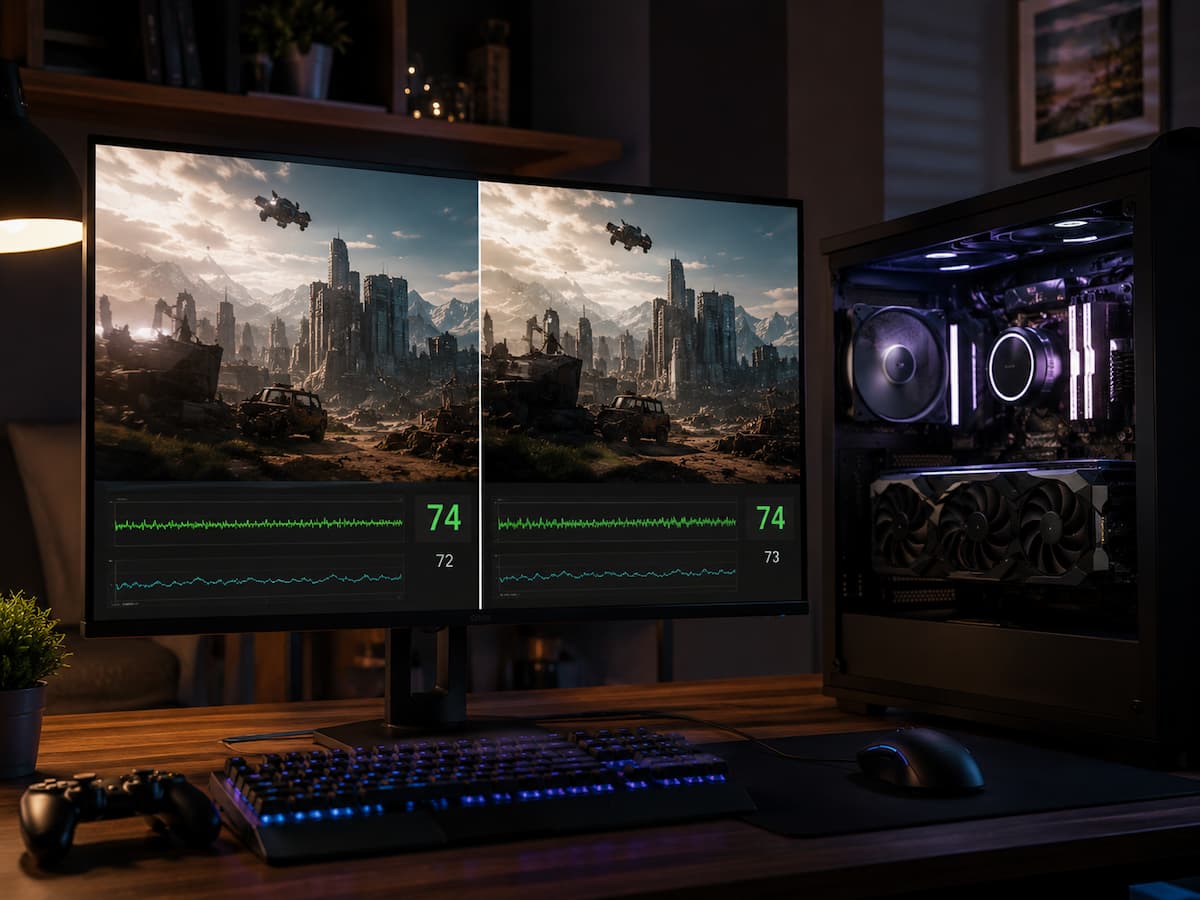
At first glance, improving game speed by adjusting graphics settings seems simple, but in reality, it becomes difficult to determine which setting is the deciding factor if too many settings are changed at once. Suppose a player lowers the resolution, disables raytracing, reduces texture quality, and changes graphics settings from “Ultra” to “Medium.” The game … Read more

Controller Input Works Everywhere Except Inside One Game

You plug in your controller, Windows recognizes it, and the buttons respond normally. You can move through menus, test the sticks, and even use the same controller in another game without any trouble. Then you launch one particular game and suddenly nothing happens. The controller appears to be connected, but the game ignores every button … Read more

Bluetooth Input Problems That Don’t Affect Wired Controllers

If a gamepad works perfectly via USB but suffers from input loss, interruptions, or sluggish response times over Bluetooth, this provides a useful diagnostic clue. The gamepad itself may not be the source of the problem. Since wired and wireless connections utilize different communication channels, issues affecting the Bluetooth connection can still arise even if … Read more

Recognizing Shader Compilation From Ordinary Stuttering

When a game suffers from quick pauses, stuttering during camera movements, or brief freezes, it is difficult to pinpoint the exact cause. Many factors can cause stuttering, and shader compilation is just one of them. Stuttering related to shaders can occur when starting the game, after a graphics card driver update, following a game patch, … Read more